
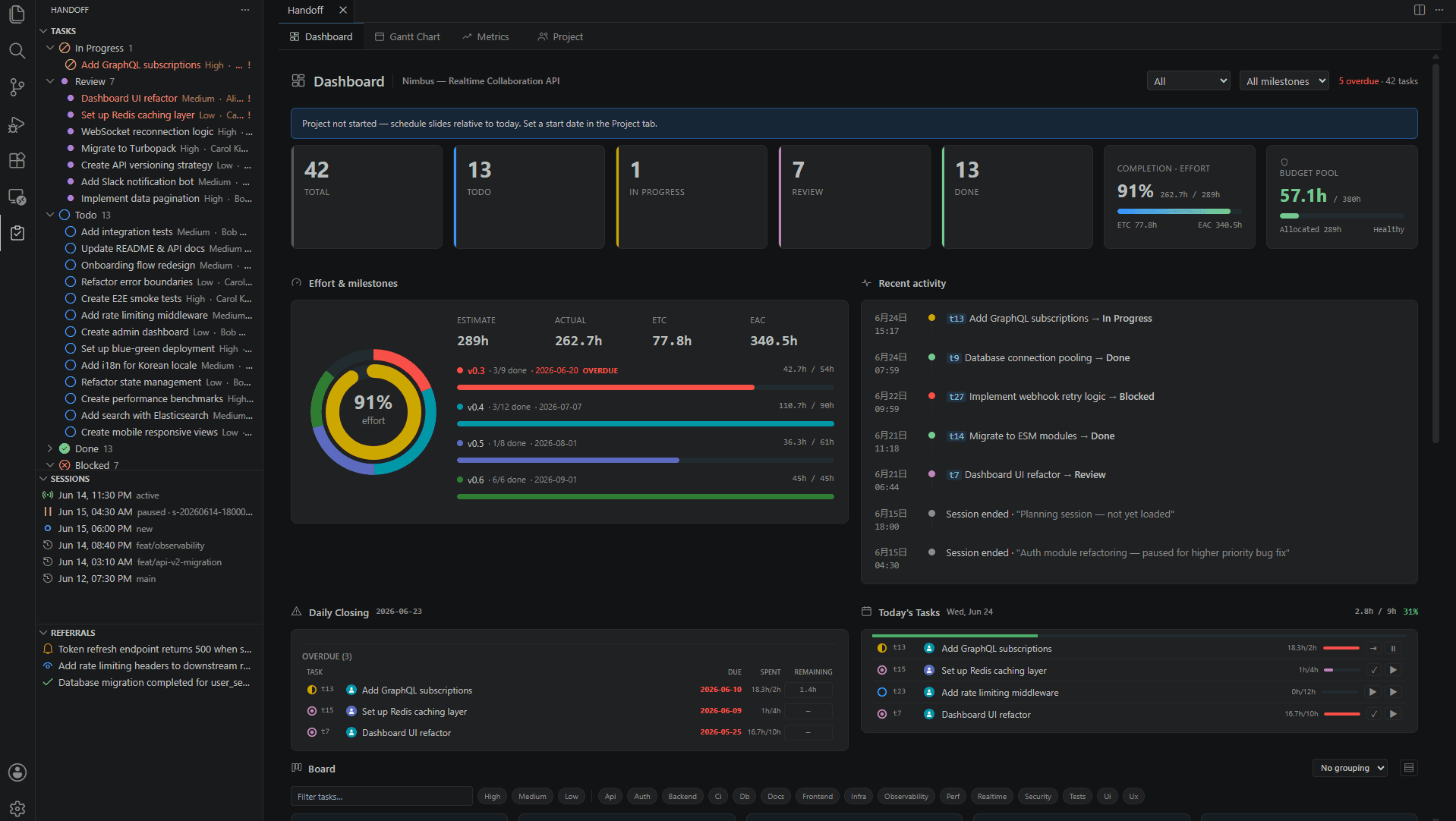
handoff-mcp v0.13 — project memory and one-command setup
Project memory gives AI coding agents durable, cross-session knowledge — lessons, rules, and conventions — with automatic injection into every prompt. A single setup command wires it all in.
Knowledge that outlives a session
Handoff manages session-to-session handoffs — tasks, decisions, blockers. But some knowledge lives on a longer timescale: "always call this function through atomic_write," "tests in this directory must run against the real binary." These are project-specific lessons and rules that every future session should respect.
Project memory, added in v0.13, persists this knowledge in .handoff/memory/ and automatically injects it into the agent's context when relevant.
Four memory tools
| Tool | Purpose |
|---|---|
handoff_memory_save | Save a memory. Exact duplicates are reported; near-duplicates come back as a conflict for the agent to merge |
handoff_memory_query | Search for memories relevant to the current prompt or file, ranked by BM25 with scope-path boosting |
handoff_memory_delete | Delete a memory by ID (or unique prefix) |
handoff_memory_cleanup | Auto-merge exact duplicates, recommend near-duplicate clusters and stale memories, garbage-collect injection records |
Japanese and English, no dictionary
Memory search and dedup are powered by lexsim, which tokenizes both Japanese and English using character n-grams — no morphological dictionary needed. Relevance scoring and duplicate detection run in-memory in sub-millisecond time.
One command to enable auto-injection
You can call handoff_memory_query manually, but the real power comes from Claude Code hooks that inject relevant memories into every prompt automatically.
handoff-mcp setup
This single command installs three hooks:
- UserPromptSubmit — inject relevant memories on every prompt
- PreToolUse — inject file-scoped memories when editing
- SessionStart — run memory store deduplication at session start
No manual JSON editing of ~/.claude/settings.json required.
handoff-mcp setup --check      # Show hook status
handoff-mcp setup --uninstall  # Remove hooks to stop auto-injection
The hooks fire on every prompt, adding a small overhead. If you prefer to call memory tools manually, run --uninstall to stop automatic injection — the tools themselves remain available.
Duplicate handling is agent-driven
When saving a memory that resembles an existing one, handoff_memory_save detects the similarity and returns a conflict with both texts. The server never merges silently — it presents the old and new text to the agent, which decides whether to merge (via merge_into) or save separately (via force: true).
handoff_memory_cleanup runs at session start. It safely merges exact-duplicate memories (lossless — the survivor inherits all tags, scope paths, hit counts, and timestamps), then returns recommendations: near-duplicate clusters to consider merging, and stale memories not referenced for a configurable number of days.
Memory settings
All configurable via handoff_update_config, with safe defaults that require no change for existing projects.
| Setting | Default | Description |
|---|---|---|
memory_enabled | true | Master switch — when false, all memory tools return empty results |
memory_dup_threshold | 0.72 | Similarity at/above which a save is a near-duplicate conflict |
memory_query_min_score | 0.5 | Relevance floor — memories below this score are not returned |
memory_query_limit | 5 | Maximum memories per query |
memory_stale_days | 60 | Days without reference before a memory is flagged stale |
memory_injected_gc_days | 14 | Age at which per-session injection records are garbage-collected |
Install or update
cargo install handoff-mcp          # Rust users
npm install -g handoff-mcp-server  # npm users