
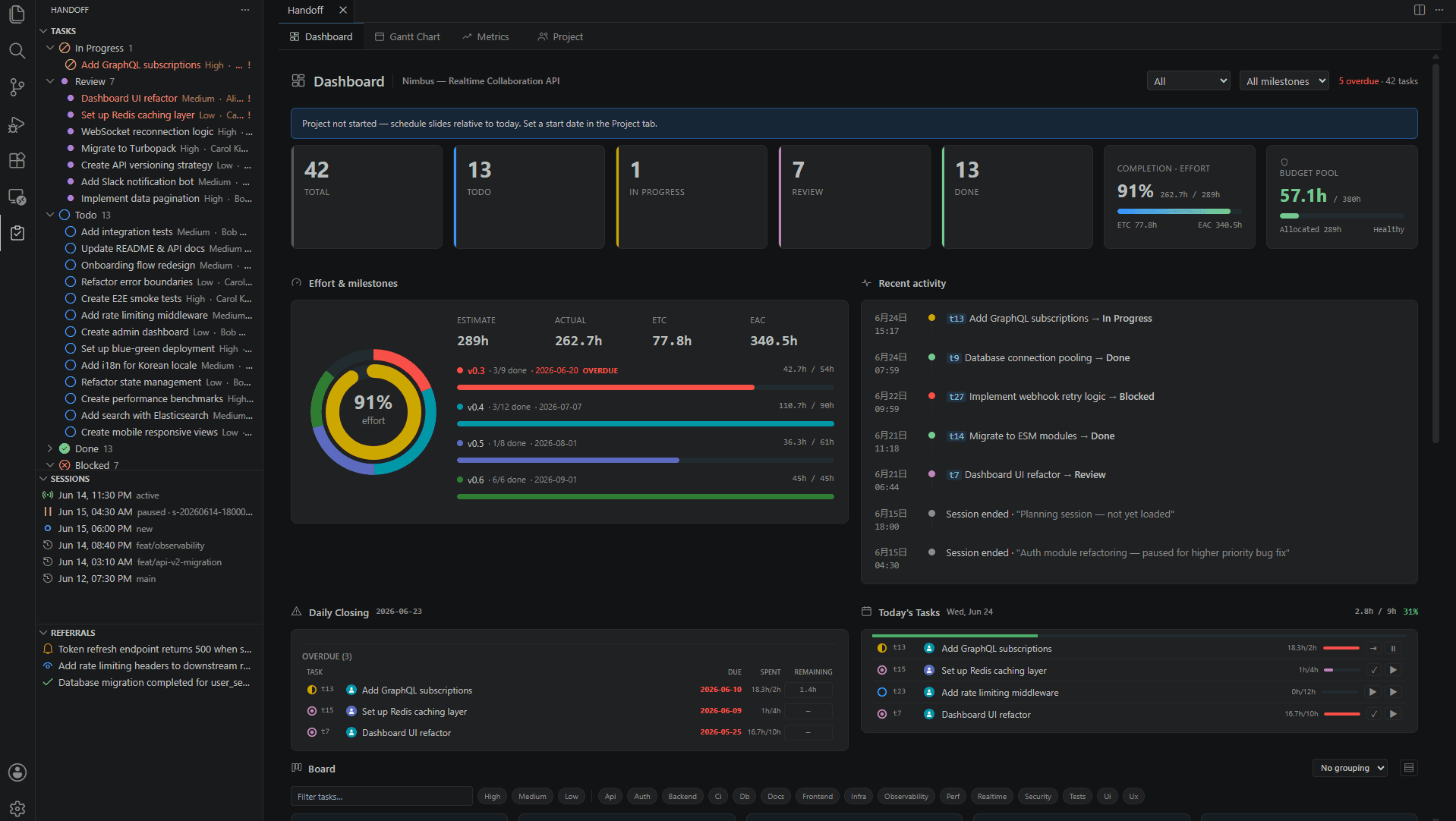
Handoff v0.14 / VSCode v0.6 — automatic time tracking with timer coordination
The MCP server and VSCode extension now coordinate timers. When the extension is running, MCP delegates; when absent, MCP falls back to its own timer. An authority protocol guarantees zero double-counting.
Tracking AI work time automatically
When delegating tasks to an AI coding agent, knowing how long the work actually took is surprisingly hard. Calling handoff_log_time manually is easy to forget, and wall-clock time includes idle stretches where nothing is happening.
Handoff v0.14 and the VSCode extension v0.6 solve this with a timer coordination protocol — the MCP server and VSCode extension work together to track time automatically.
Three timer tools
| Tool | Purpose |
|---|---|
handoff_timer_start | Start tracking a task — delegates to the VSCode extension if alive, otherwise starts an MCP fallback timer |
handoff_timer_stop | Stop the timer and log elapsed hours to actual_hours |
handoff_timer_get_time | Check elapsed time, state, and current authority without stopping |
VSCode is the source of truth, MCP is the fallback
There is always exactly one timer authority at any moment.
- VSCode extension running: the extension owns the timer. MCP writes command files to
.handoff/timer/requests/and does not count time itself. - Extension absent: MCP automatically starts a fallback timer and tracks time internally. On stop, it logs the elapsed hours to
actual_hours. - Extension starts mid-session: MCP flushes its accumulated time first, then releases authority. The extension picks up — zero double-counting.
Authority is determined by heartbeat freshness in .handoff/timer/authority.json (default TTL: 30 seconds, heartbeat interval: 10 seconds).
Idle time is excluded
When the VSCode extension is the authority, it monitors editor activity, window focus, and MCP tool calls as activity signals. After 10 minutes of inactivity, the timer auto-pauses; it resumes automatically when activity is detected. If the AI is active, the timer keeps running even if the human isn't typing.
Configuration
| Setting | Default | Description |
|---|---|---|
timer_provider | auto | auto / vscode / mcp / off |
timer_authority_ttl_secs | 30 | Heartbeat freshness TTL (seconds) |
timer_idle_timeout_minutes | 10 | Idle pause threshold for fallback timer (minutes) |
Install or update
cargo install handoff-mcp          # Rust users
npm install -g handoff-mcp-server  # npm users
The VSCode extension can be updated from the Marketplace.